> For the complete documentation index, see [llms.txt](https://docs.argenie.ai/llms.txt). Markdown versions of documentation pages are available by appending `.md` to page URLs; this page is available as [Markdown](https://docs.argenie.ai/ar-genie-remote-assist/remote-assist-on-ipad/how-to-login-remote-assist-on-ipad.md).
# How to Login Remote Assist on iPad?
After submitting your required details on the " [Contact Us](https://www.argenie.ai/company/contact-us) " page of the website and getting verified, you can easily access AR Genie Remote Assist on iPad using your login credentials.
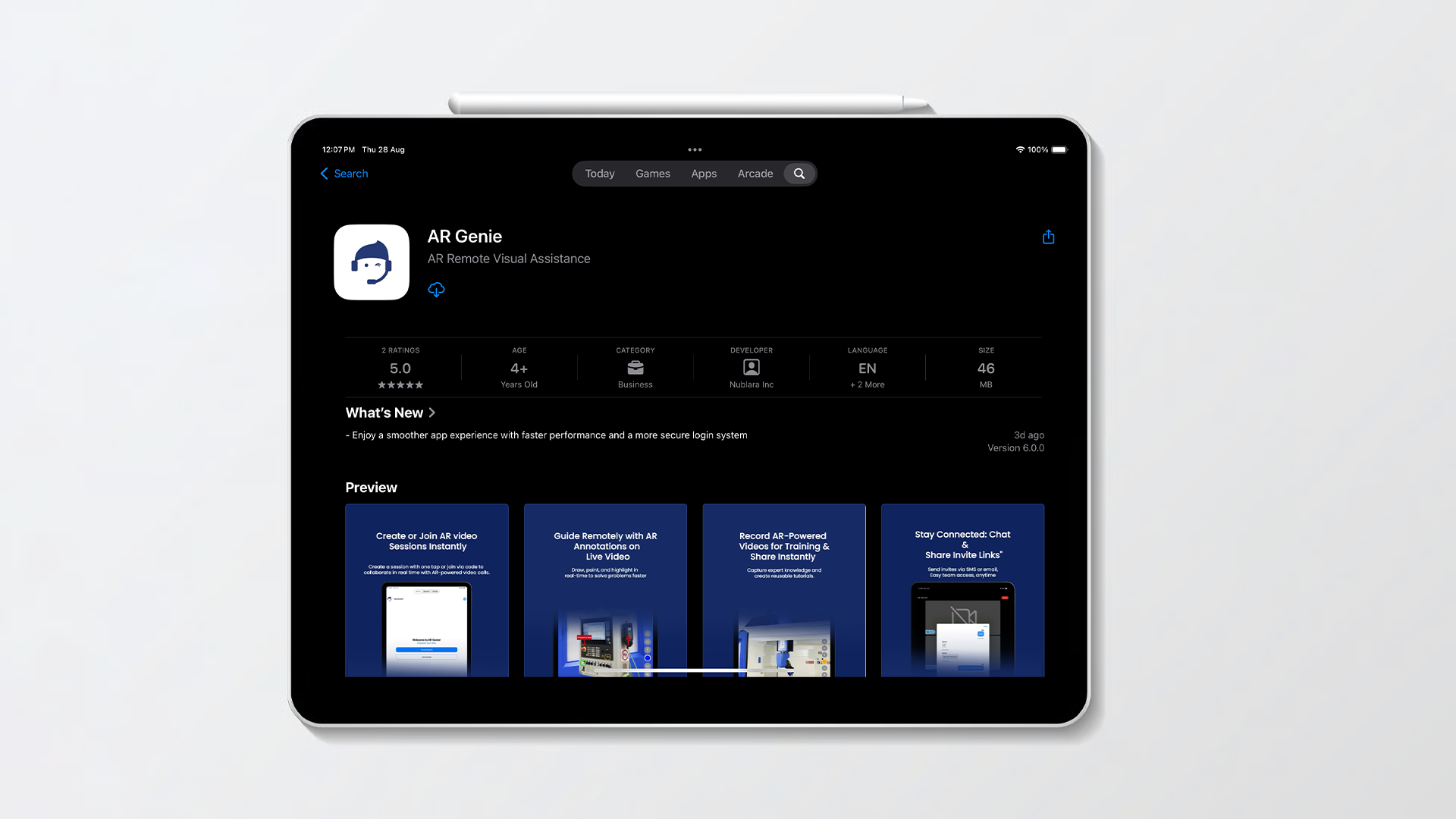
* Download and install the [**AR Genie Remote Assist App**](https://play.google.com/store/apps/details?id=com.supportgenie.argenie\&hl=en_IN) from your device's app store.
Complete the initial setup process.
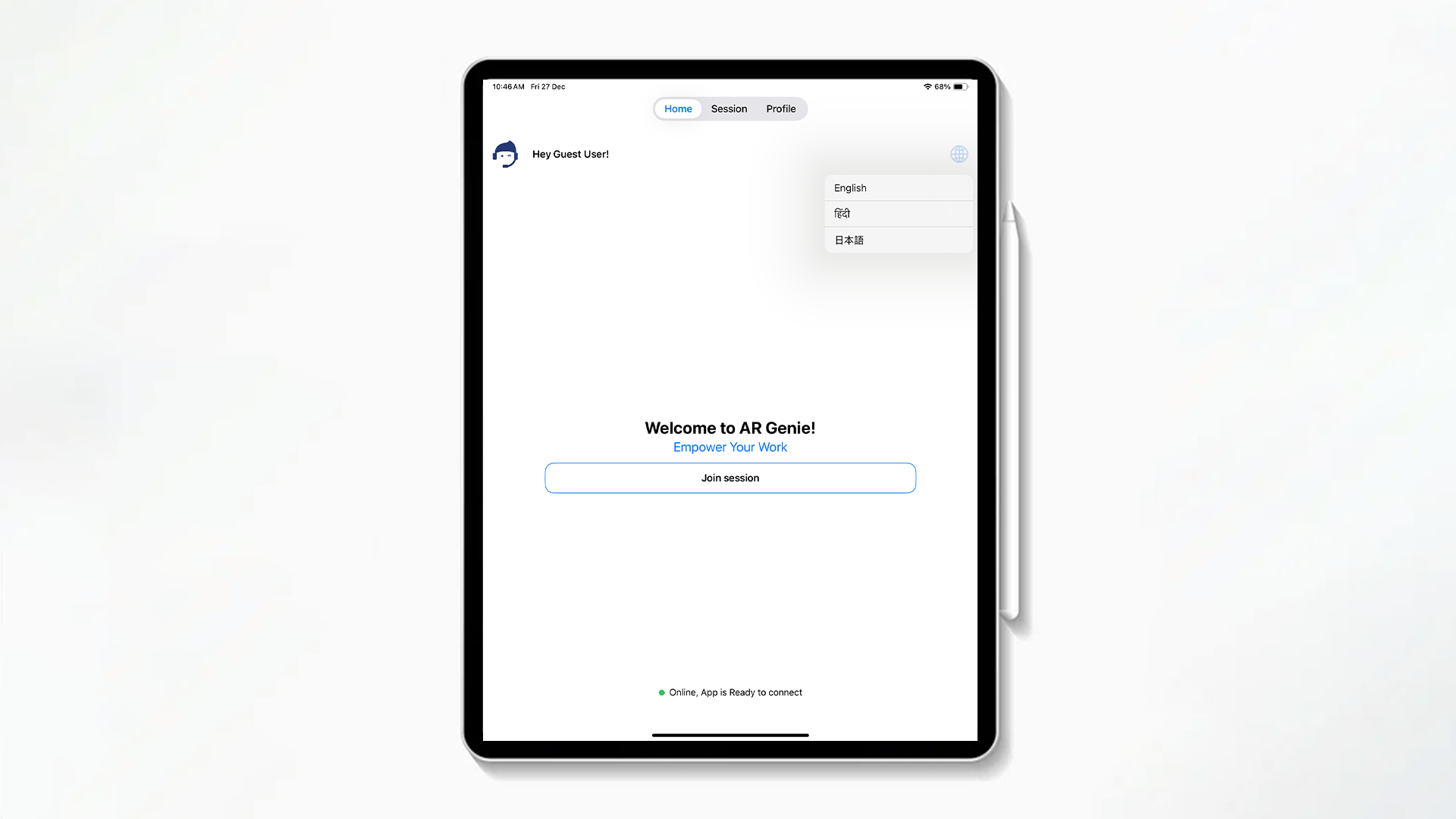
* Open the app select your preferred language.
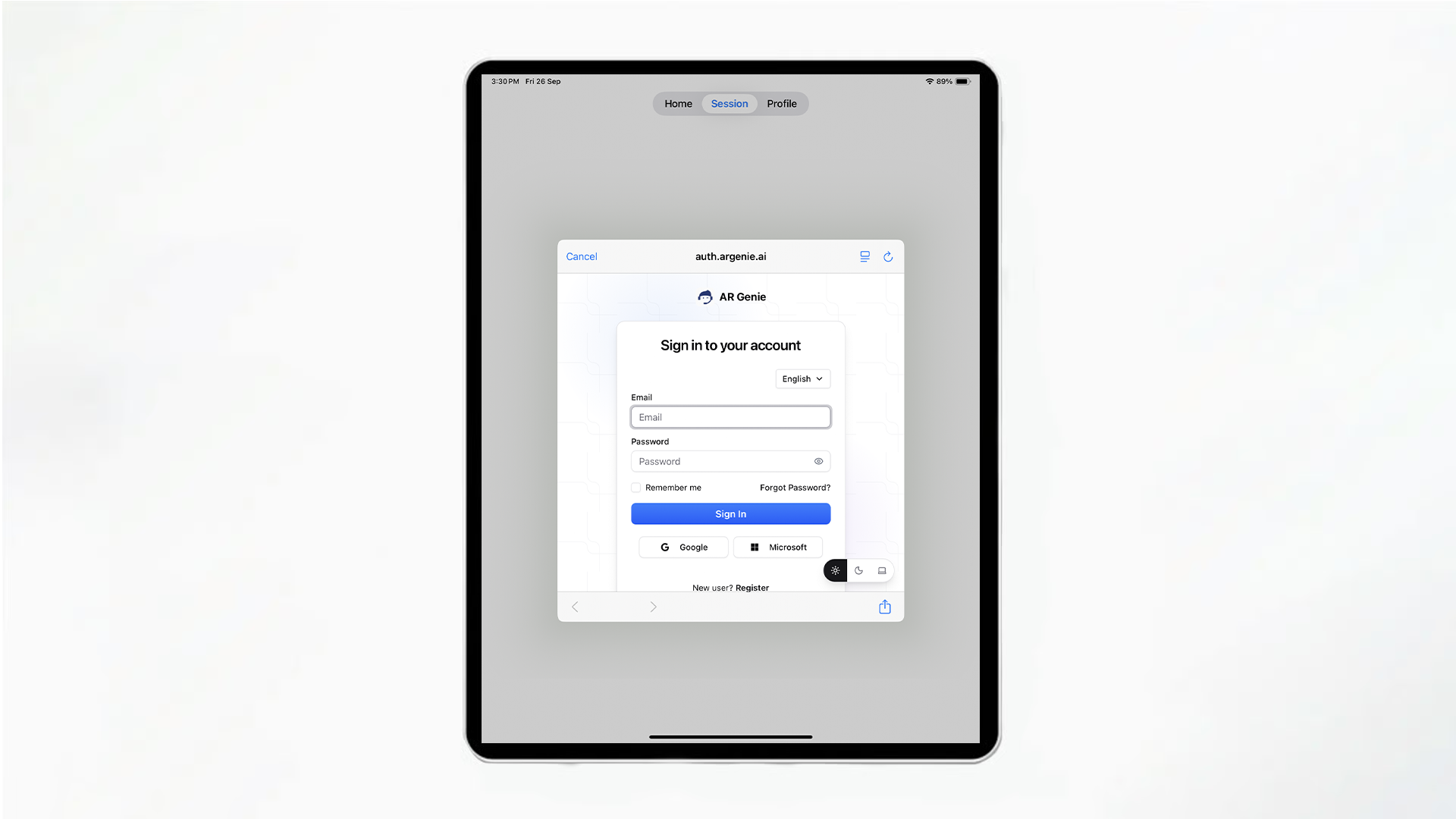
* Go to >> the Session or Profile and Login with your provided credentials.
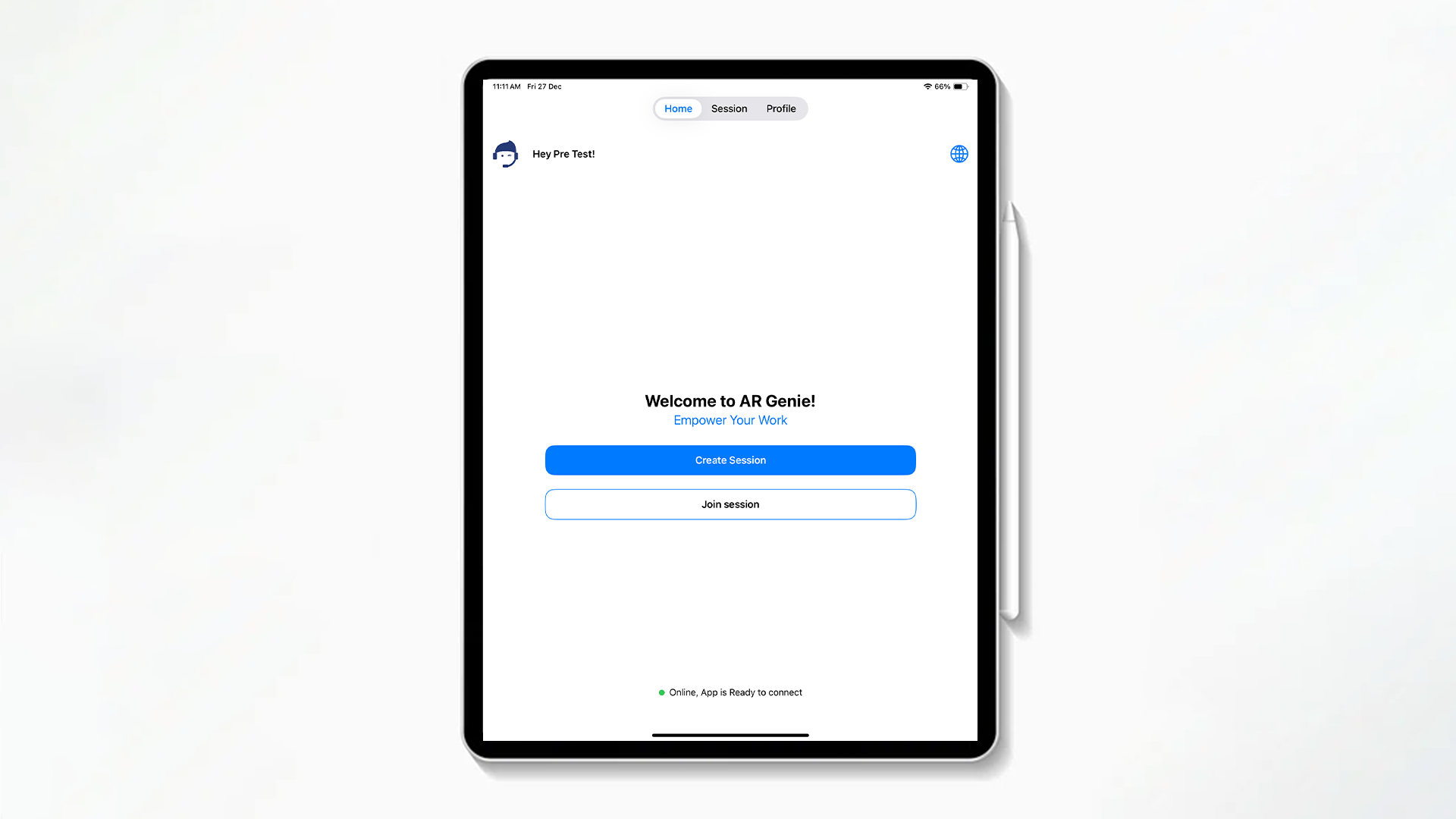
Now you can easily use AR Genie Remote Assist on iPad.
## ENDS