> For the complete documentation index, see [llms.txt](https://docs.argenie.ai/llms.txt). Markdown versions of documentation pages are available by appending `.md` to page URLs; this page is available as [Markdown](https://docs.argenie.ai/ar-genie-work-assist/work-assist-for-ipad/work-assist-dashboard-ipad.md).
# Work Assist Dashboard(iPad)
Welcome to the **Work Assist module on iPad**, designed for technicians, engineers, and factory operators to efficiently access:
* Digital workflows
* AR-guided instructions
* Job management
* Detection sources (AI / Object recognition)
* Asset information
This page provides an overview of the **main Work Assist screen** after logging into the iPad app.
## 🔍 Navigation Overview
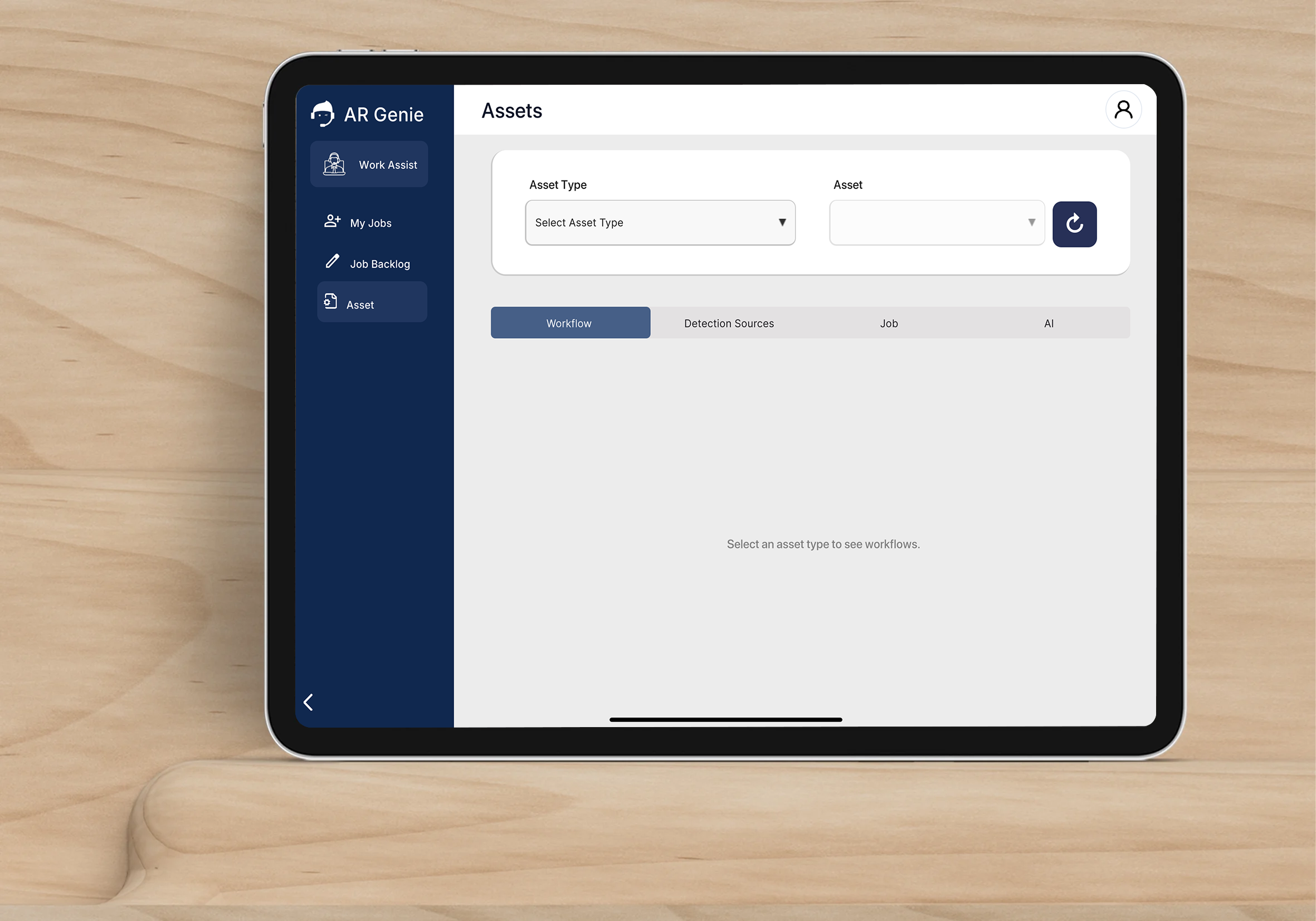
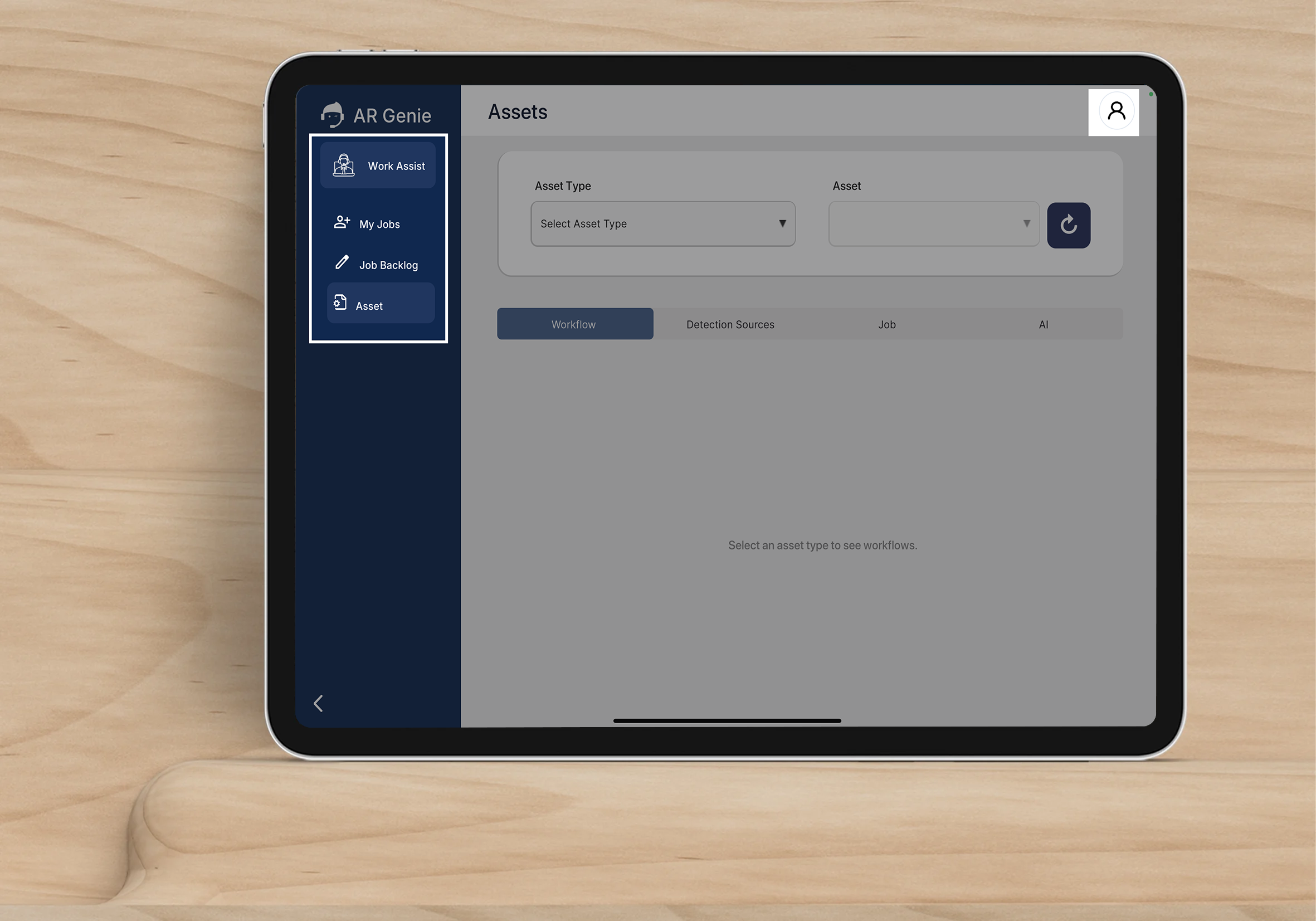
After selecting **Work Assist** from the left menu, the main page displays:
* 🏭 **Asset Type selection** (required)
* 🧰 Asset selection (optional)
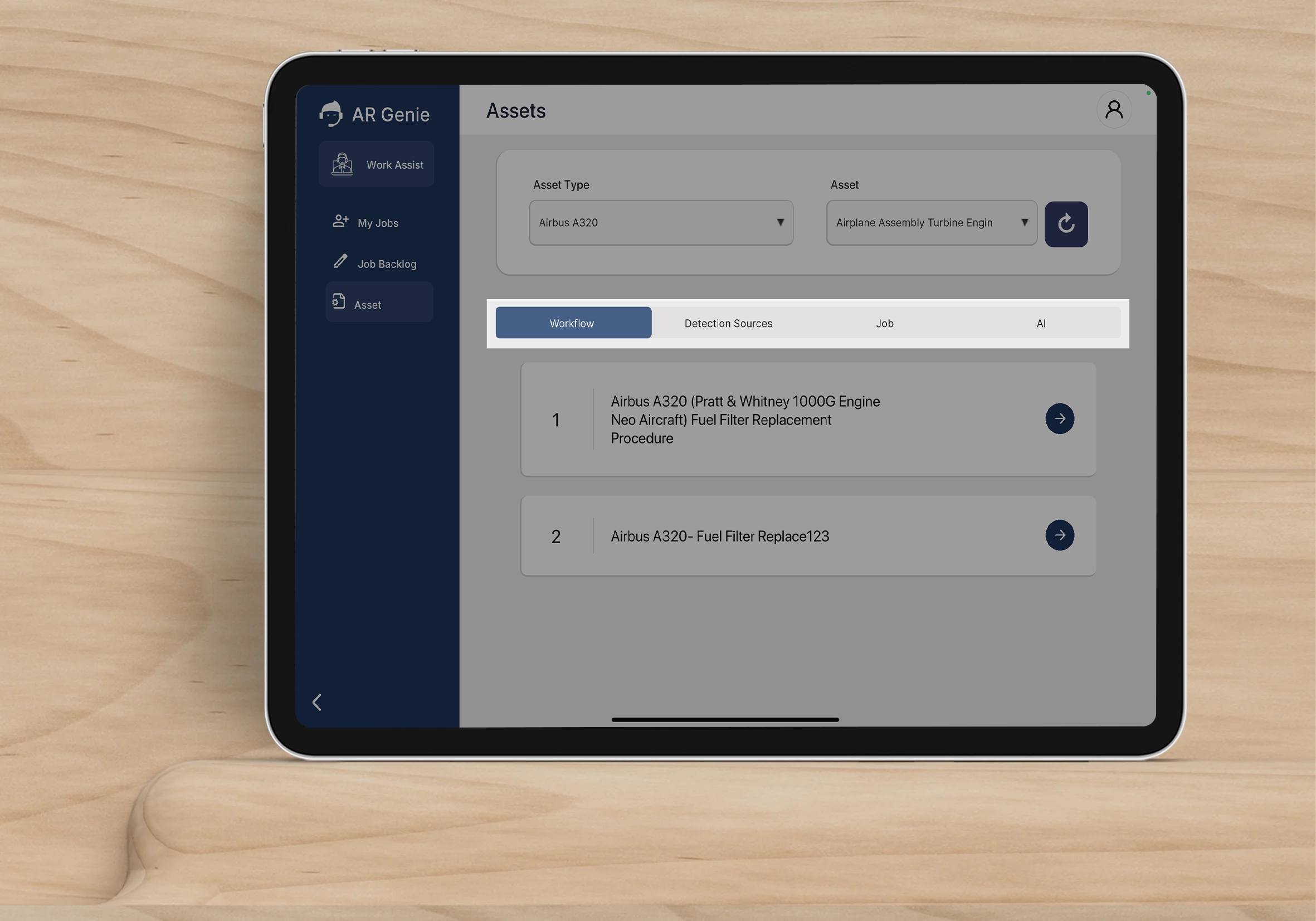
* 🧾 Workflow tab
* 🔍 Detection Sources tab
* ✅ Job tab
* 🤖 AI tab
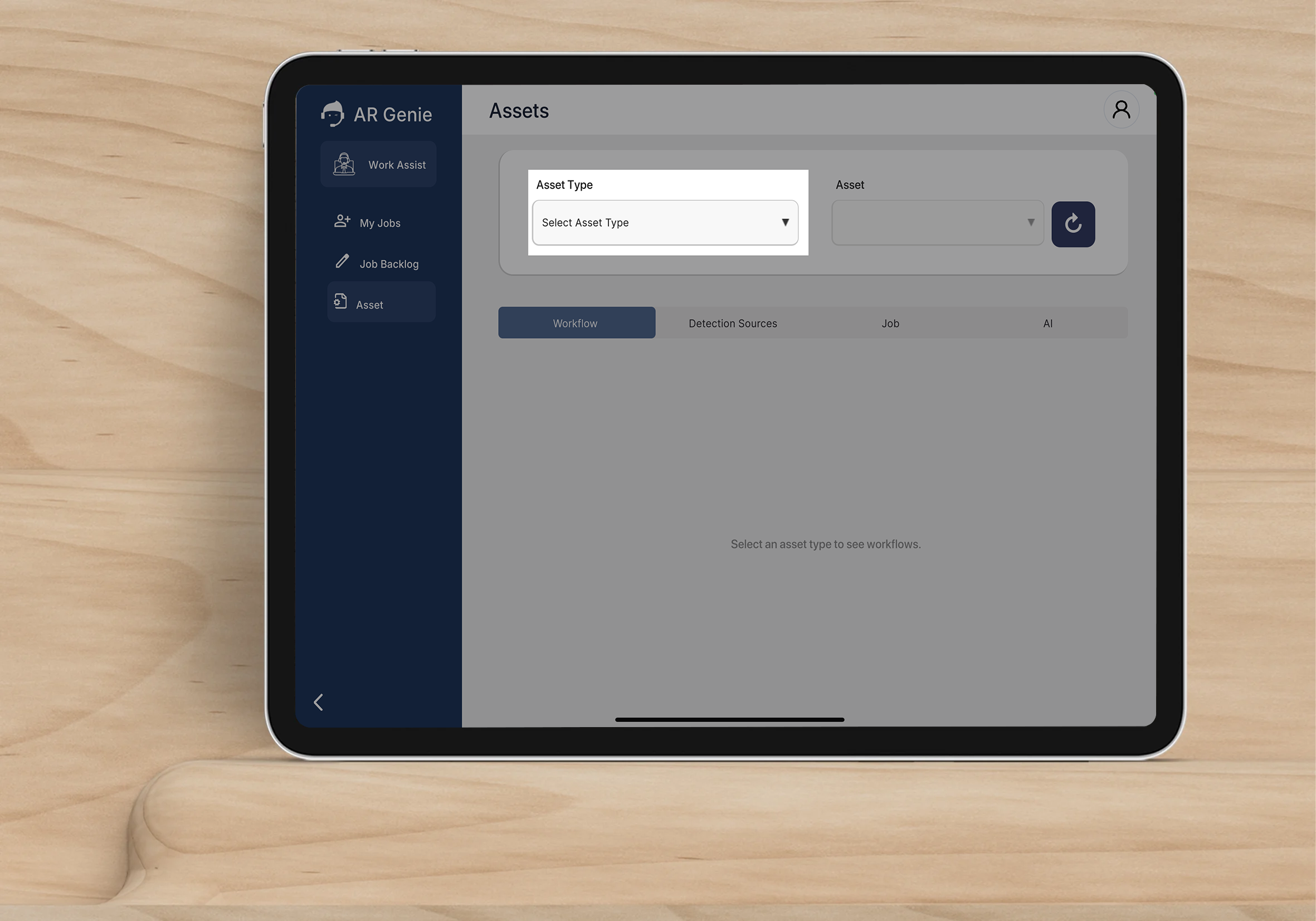
## 🏭 Selecting an Asset Type
{% stepper %}
{% step %}
### Select Asset Type
Tap **Select Asset Type**.
{% endstep %}
{% step %}
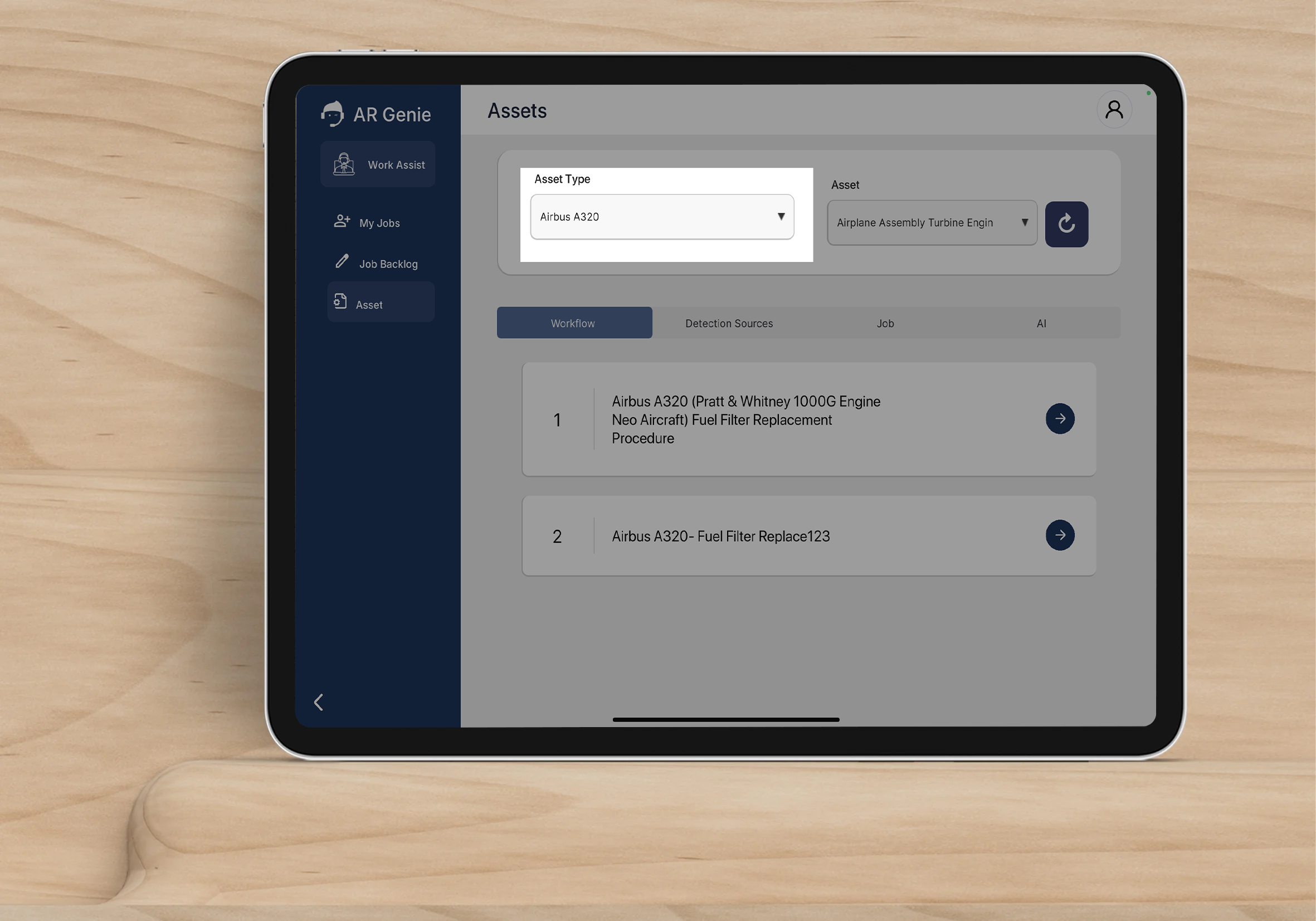
### Choose Asset Type
Choose an available asset type from the list.
> ✅ Selecting an Asset Type is required to load workflows and resources.
> {% endstep %}
> {% endstepper %}
## 🧮 Main Page Layout (iPad)
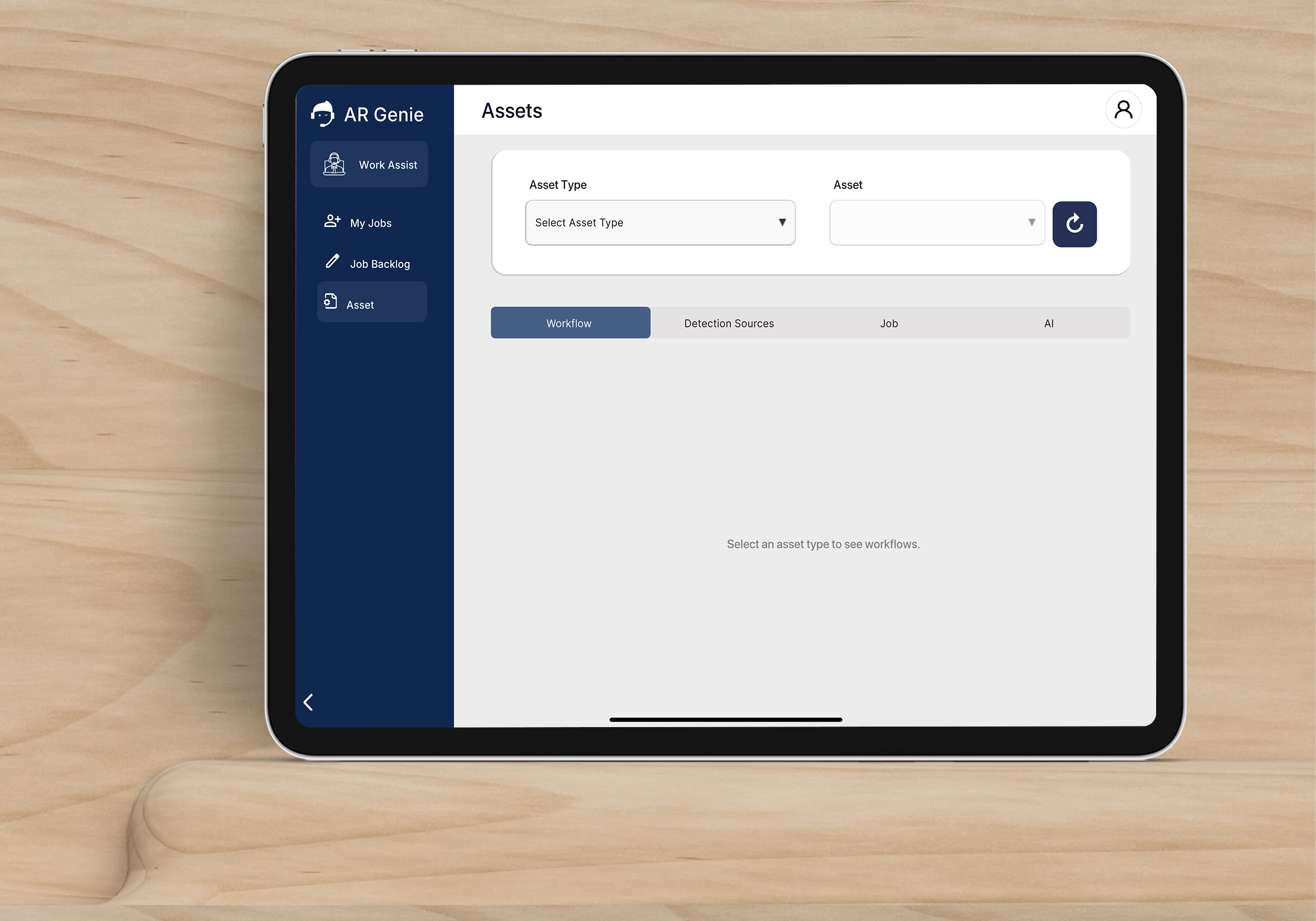
*Screenshot: Work Assist main screen on iPad showing navigation menu and asset type selection.*
## 🧭 Navigation Menu (Left Panel)
The sidebar includes:
* **Work Assist**
* **My Jobs**
* **Job Backlog**
* **Asset**
* User Profile & Settings
This allows quick switching between job tasks and asset information.
## ✅ Tabs Available
Once an Asset Type is selected, the following tabs become active:
| Tab | Purpose |
| ----------------- | ---------------------------------------- |
| Workflow | View and execute step-by-step procedures |
| Detection Sources | Manage AI/Object sources |
| Job | Create or view work jobs |
| AI | Intelligent assistance |
## 🔐 Requirements
{% hint style="info" %}
* Logged into the iPad app
* Asset Type selected
Asset selection is optional. Workflows and resources are **Asset Type specific**.
{% endhint %}